Skip to the creator
perdón.

Free editor · no account or card

Perdón AI Photo Trend

Make an “I’m so sorry I lied” photo reveal from one photo of you, your pet or your workout. Review three AI edits, keep your original last and write your own captions.

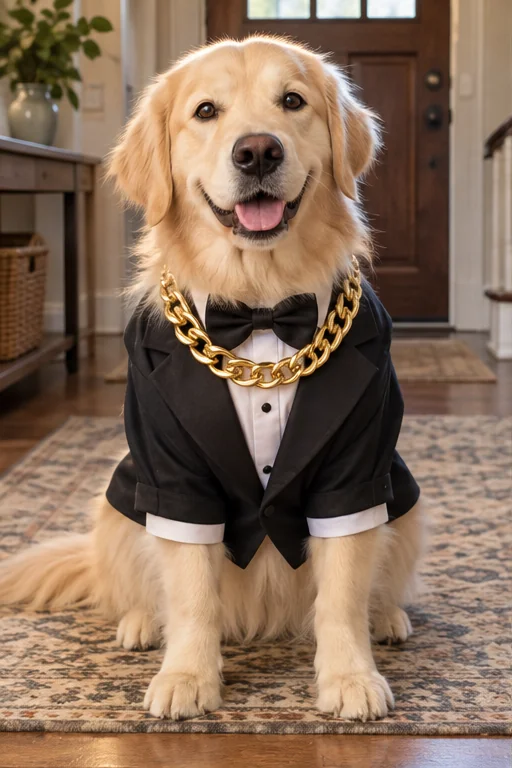
Illustrative first frame: a golden dog in a black tuxedo and gold-colored chain, sitting indoors.
This is my dog. A gentleman.Make mine
  • 3 AI edits
  • Your original last
— Vertical MP414 s

720 × 1280, ready for TikTok

Pick the reveal

Illustrative example. Actual AI results will vary.

Reveal templates included

  • The perfect pup
  • After training
  • From arena to real tournament
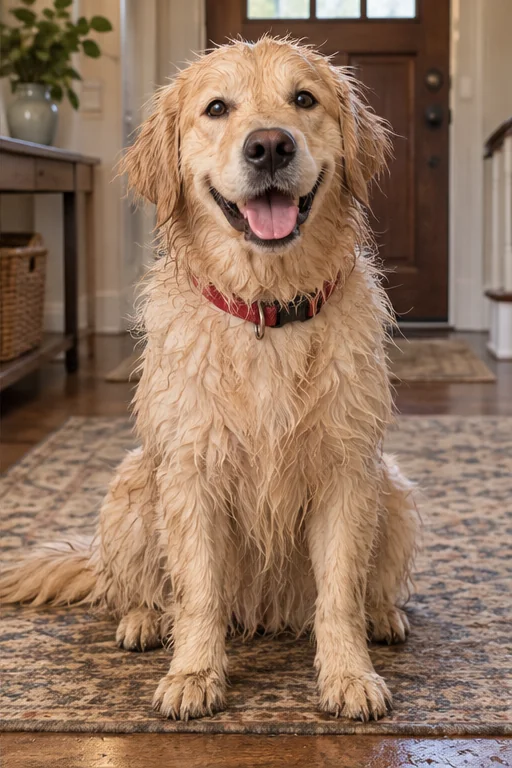
  • From bow to scruffy coat
  • Friends in the stands
  • The strength was in the original
1original photo to start
3AI edits · 3 credits each
14svertical 720 × 1280 MP4, plus PNG/ZIP
$0to edit captions, preview and export

What is the Perdón trend?

The Perdón trend (also “AI Sorry Photo Trend” or “I’m so sorry I lied”) is a four-photo carousel: three AI-edited versions that are “confessed” one by one, then the original photo at the end with a “perdón” (sorry) as the punchline.

Prices and credits are read from the same settings the studio uses. Creator examples link to the original post.

Sources: TikTok: labels for AI-generated content · Original creator posts

Key facts
Photos needed1 original
AI edits3 (3 credits each, 9 total)
VideoVertical MP4, 720 × 1280, 14 s, silent
Other downloads4 PNGs in a ZIP or 1 PNG
Editor and exportFree, no account
CreditsFrom US$5.99 for 5 carousels, no subscription

ONE FORMAT. YOUR OWN STORY.

Perdón Trend, AI Sorry Photo Trend: from the perfect edit to the real you.

You may also see “perdon trend ia,” “AI vs reality,” or “I’m so sorry I lied.” The idea is a photo sequence: one exaggerated edit, small confessions that undo it, and your original at the end.

Start with an everyday story: the hair that never looked like that, the mansion that was your living room, or the pet that never wore that jewelry. Keep the subject recognizable and let each caption explain one change.

Understand the AI Sorry Photo Trend →

THE TREND, IN REAL POSTS

The reveal makes the joke.

Explore creator posts and watch what changes between photos. The perfect edit starts the story; the original gets the last word.

TikTok · Trend example@jimherrp031727
The perfect pup… until the last photo — photo 1 / 41 / 4

The perfect pup… until the last photo

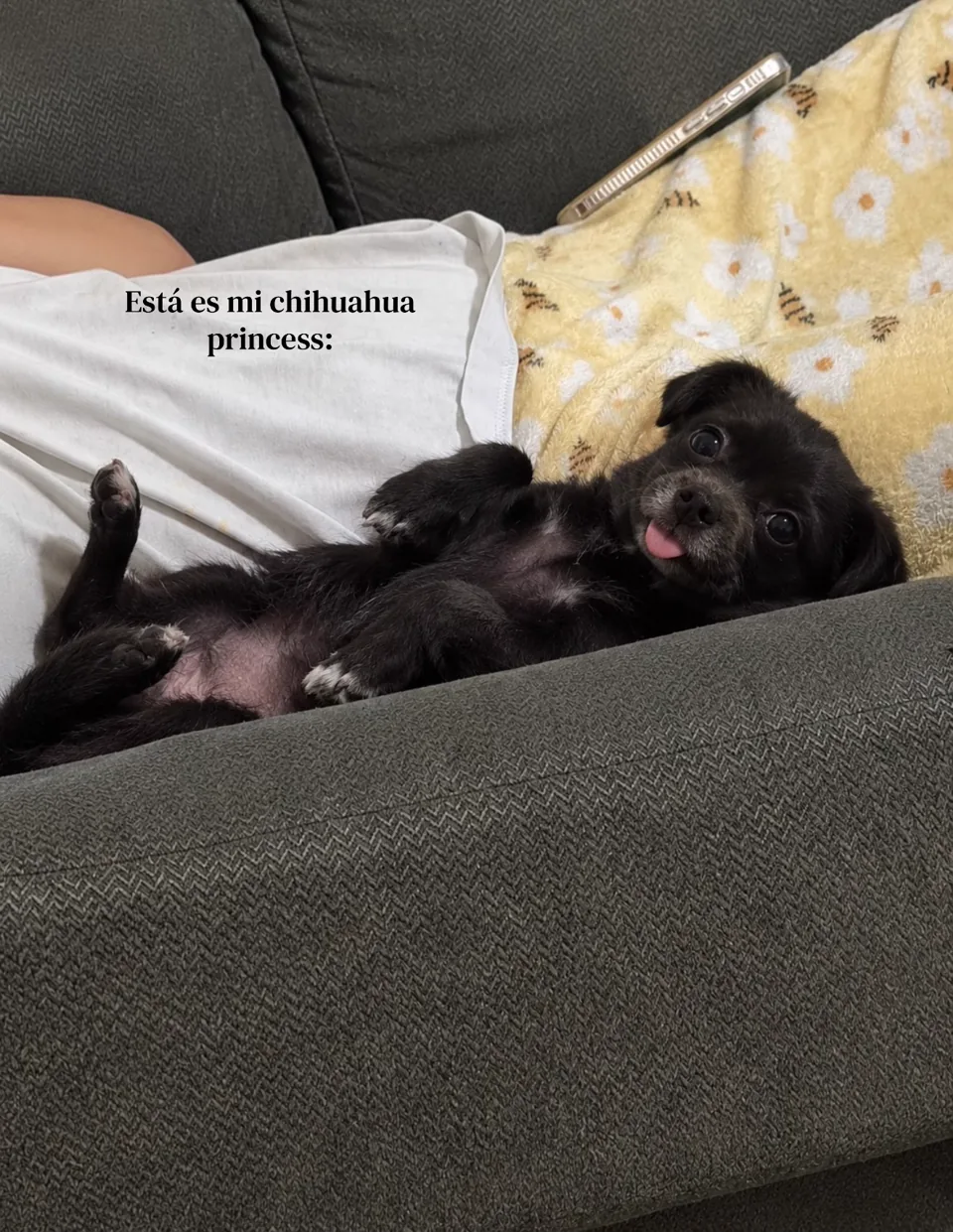
The dark, fluffy coat changes, an older-looking version appears, and the last photo reveals the real dog.

Try this in your versionGive each confession one detail: coat color, apparent age, then the real photo.

Use this templateThe same kind of reveal, using your own photo.View original post
TikTok · Trend example@th3.mar4uders.m4p
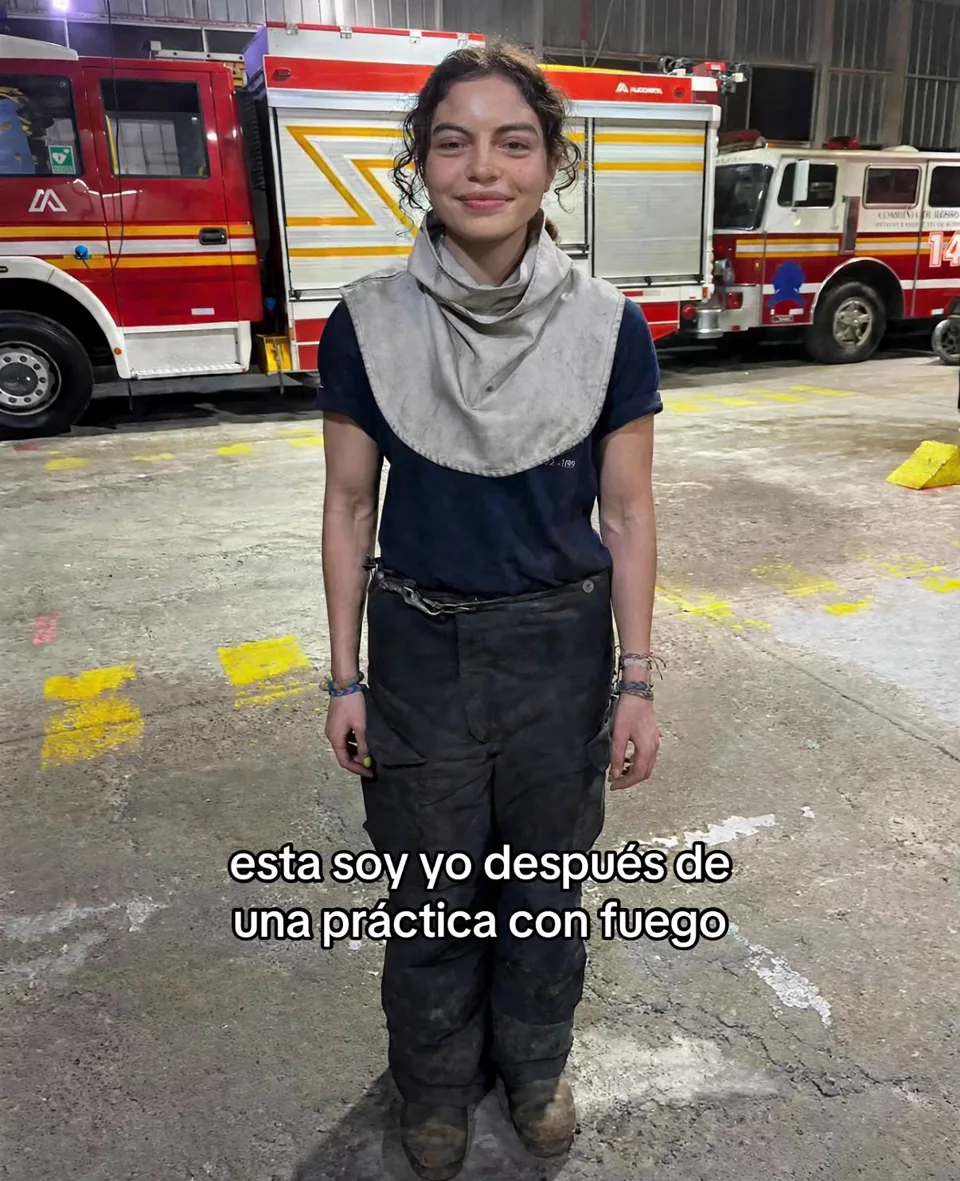
After fire training — photo 1 / 41 / 4

After fire training

A smiling fire-station portrait loses its edits: the soot returns, the added muscles disappear, and the tired expression comes back.

Try this in your versionKeep the setting and pose; reveal the soot, arms and expression one step at a time.

Use this templateThe same kind of reveal, using your own photo.View original post
TikTok · Trend example@lyss.alcc
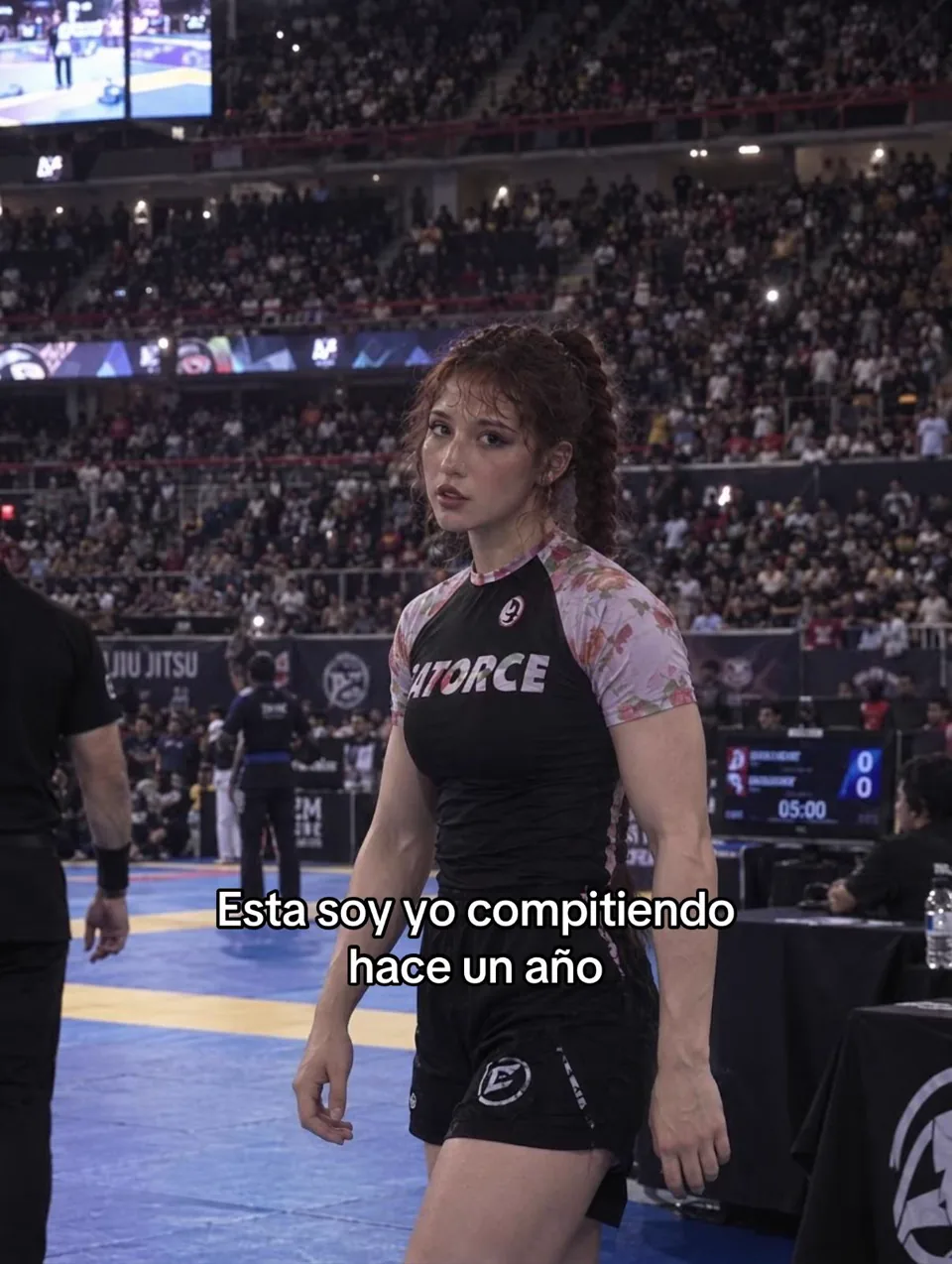
From a packed arena to the real tournament — photo 1 / 51 / 5

From a packed arena to the real tournament

A competitor starts with added muscles and long braids in a packed arena. The carousel ends with shorter hair, the real venue and a final “perdón”.

Try this in your versionMix a background change with personal details so each photo has something new to reveal.

Use this templateThe same kind of reveal, using your own photo.View original post

One original photo. Your Perdón video.

Upload one original and choose a reveal template. Review the three AI edits and your original, edit the captions, then download the sequence. You can also try the free demo or use existing edits.

1. Upload one original photo

For AI generation, you only need one original photo. AI creates the three edited frames; your original is the final reveal.

Manual editing stays in your browser. Your photo is only uploaded when you choose Generate with AI.

2. Choose your template

Pick the reveal for your original photo. The template plans three edited frames and keeps your original last in the MP4.

Current recipeGlow-up

3. Create the three edits

What’s your story?

Your saved set keeps its current recipe. You can browse other templates; prepare a new set to switch.

3 AI photos · 9 credits total

3 credits per AI edit. Generating a set replaces all three edited photos; the original and exports use no credits.

View credits
  • One-time credit packs, no subscription
  • Credits come back if an AI edit fails
  • Your original stays untouched as the last photo
  • MP4, ZIP and PNG exports use no credits
Optional: already have the edited photos?

Use this only if you have already edited your images elsewhere. Add the three edits here; your original stays in the last frame. The AI workflow only needs your original.

4. Preview captions and download
The big lie

This is me. Well, almost.

720 × 1280 MP4 · 14 seconds · no music. Optional 1080 × 1920 PNGs. Exporting uses no credits.

Your original is the final frame. Generate the three edits above, then download the complete video.

How to make the Perdón photo trend.

The joke is in revealing each edit. Your most ordinary photo is often the best one.

  1. Upload one original

    Start with one photo of yourself or your pet. Your original stays unchanged as the final reveal.

  2. Choose the reveal

    Choose a template for three AI edits and check the credit cost before generating. Keep your original as the final reveal. You can also try the demo or add images you have already edited.

  3. Download your MP4

    Review the four captions and download a silent MP4. Add the sound in TikTok when you post, and label AI-edited content.

Video: the editor step by step, from your original photo to the MP4A walkthrough of the Perdón Studio editor. Images are illustrative and some waits are sped up.

FROM “HOW DO I MAKE IT?” TO YOUR FIRST CAROUSEL

Tutorials and prompts you can use.

All tutorials →

PAY FOR WHAT YOU NEED

Assemble for free. Use credits for AI.

Carousel editor

$0

Already have your images? Assemble the story, add captions and download an MP4 or PNGs. No account or card needed.

Use the free editor →

AI credit packs

Upload one photo and choose a template: AI makes three edits for 9 credits total. Your original and export use no credits. One-time packs, no subscription.

5 carousels45 credits
$5.99 USD
15 carousels135 credits
$15.99 USD
30 carousels270 credits
$29.99 USD

Check the pricing page for current AI generation and purchasing availability. The editor and downloads are free.

See pricing and how credits work →

Before the “Perdón.”

What is the Perdón AI Photo Trend?

It’s an AI vs. reality photo carousel: begin with an edited version of your photo, reveal the changes one slide at a time, and finish with the original and “perdón,” Spanish for sorry. The contrast between the versions makes the joke.

Can I use it for free?

Yes. Editing captions, previewing and exporting a complete sequence as MP4, PNG or ZIP are free and need no account. Try the demo or use existing edited photos. AI generation requires an account and credits; its current availability and cost are shown in the studio before you generate.

What happens to my original photo?

In the manual editor, your photos stay in your browser. If you choose AI generation, the original is uploaded to the server and image provider for processing. The final slide uses your untouched original, fitted to the canvas without cropping.

Does the download include a video and music?

You can download a silent vertical MP4 with all four frames and their captions. The export panel shows its duration and size. Add music in TikTok or your preferred editor. Four PNG images in a ZIP and individual PNG downloads are also available.

Do I need to upload four photos?

No. The AI workflow starts with one original photo, creates three edits from the selected template and keeps your original last. You can also export the demo or optionally import three edits you already have. Those upload fields are an alternative to AI generation.

Is this the “I’m so sorry I lied” or AI Sorry Photo Trend?

Here, “I’m so sorry I lied” is a playful caption for an AI photo reveal: an exaggerated edit loses its changes one by one until the original appears. Perdón is the Spanish confession. Use the same four-frame structure with English or Spanish captions for a portrait, pet or sports photo.

Do I need a CapCut template for the Perdón trend?

No. You can download the captioned sequence directly as an MP4 here, then add music in TikTok. PNG and ZIP downloads are available if you prefer to adjust timing or add effects in an editor such as CapCut.

Can I use pet, sports or everyday photos?

Yes. Start with a clear photo of yourself, a pet or a training scene. Choose a matching template and review each edit for a recognizable face, pose or animal. The example gallery links to third-party creator posts; they are references, not Perdón Studio results.

How do I post the I’m so sorry trend on TikTok?

Download the MP4 or the four PNGs. In the TikTok app tap + and Upload: pick the MP4 as a video, or choose Photos and select the PNGs in order, 1 to 4. Add the sound in TikTok before posting and label the AI-edited content.